

Integration with Shipmozo | API Keys Setup Guide
This guide walks you step-by-step through creating a SHIPMOZO account, accessing your dashboard, and securely generating API keys for integration. Ideal for developers, business owners, and anyone looking to streamline shipping with SHIPMOZO.
- Getting Started with SHIPMOZO
Navigate to https://www.shipmozo.com/
Click on "Shipmozo" to get started.
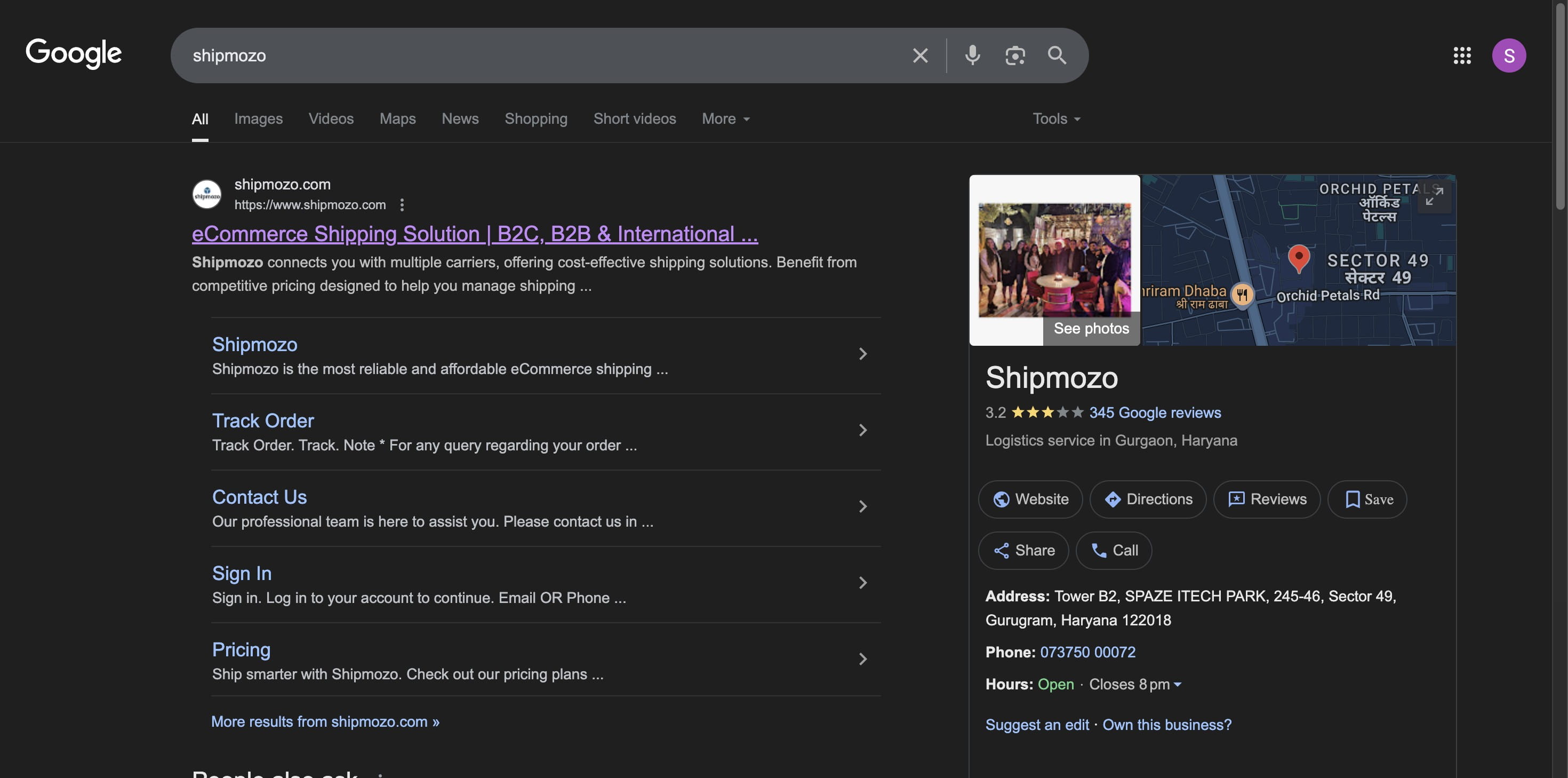
- Create a New SHIPMOZO Account
Click on “Login/Register” at the top of the homepage.
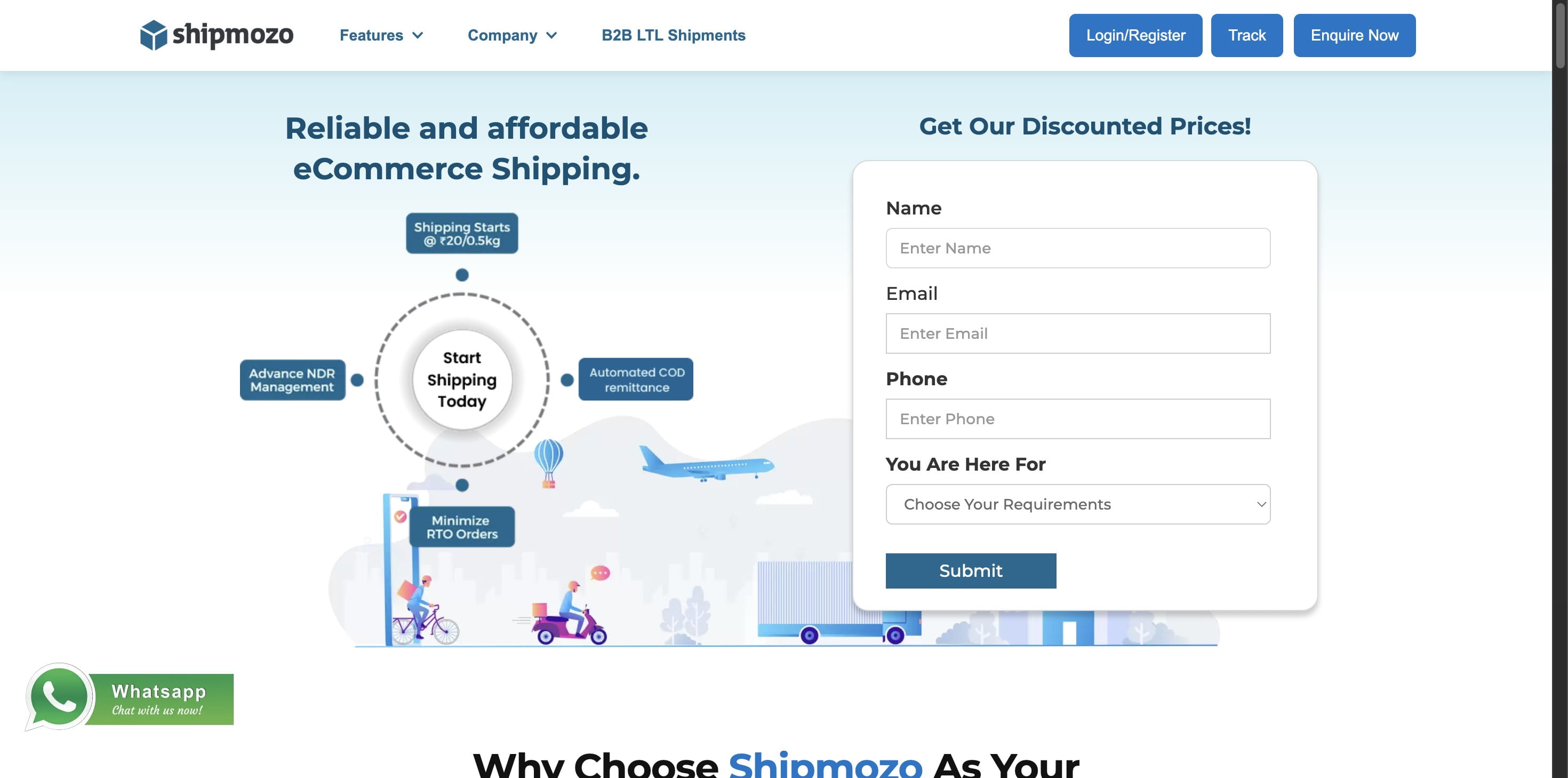
Select “Create an Account”
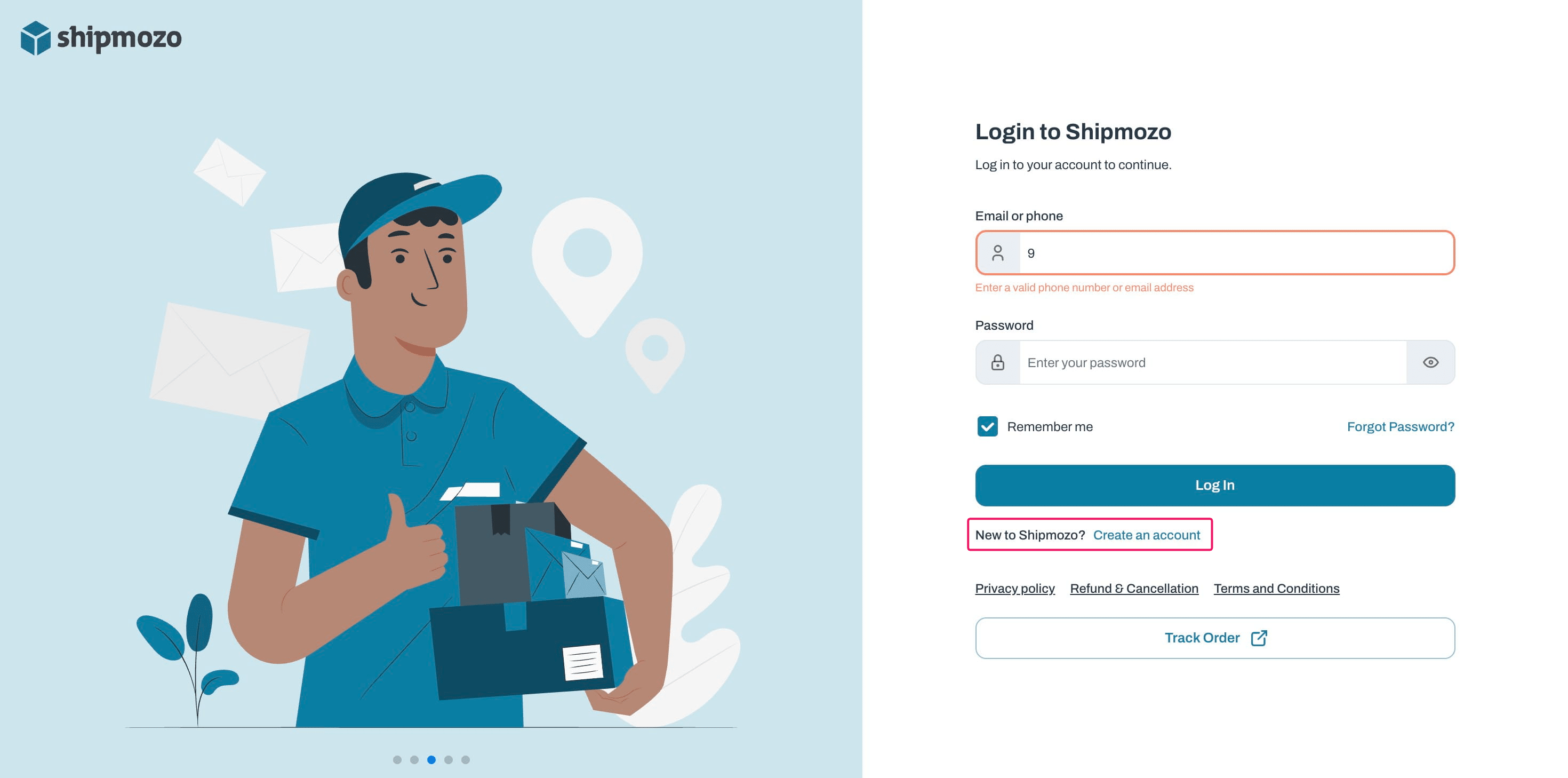
Choose User Type (Individual / Business)
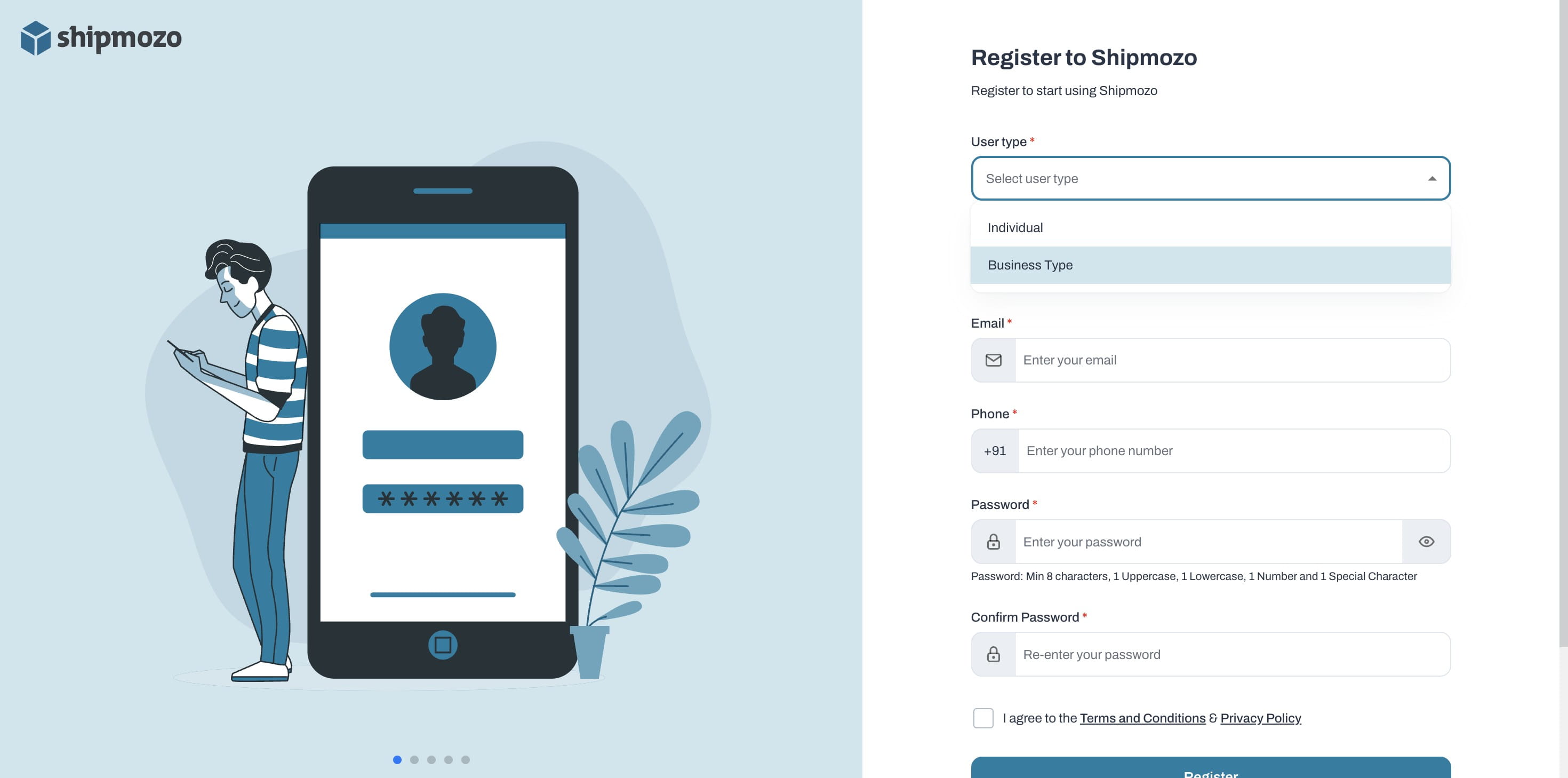
Provide necessary details: Business Name, Email & Phone Number
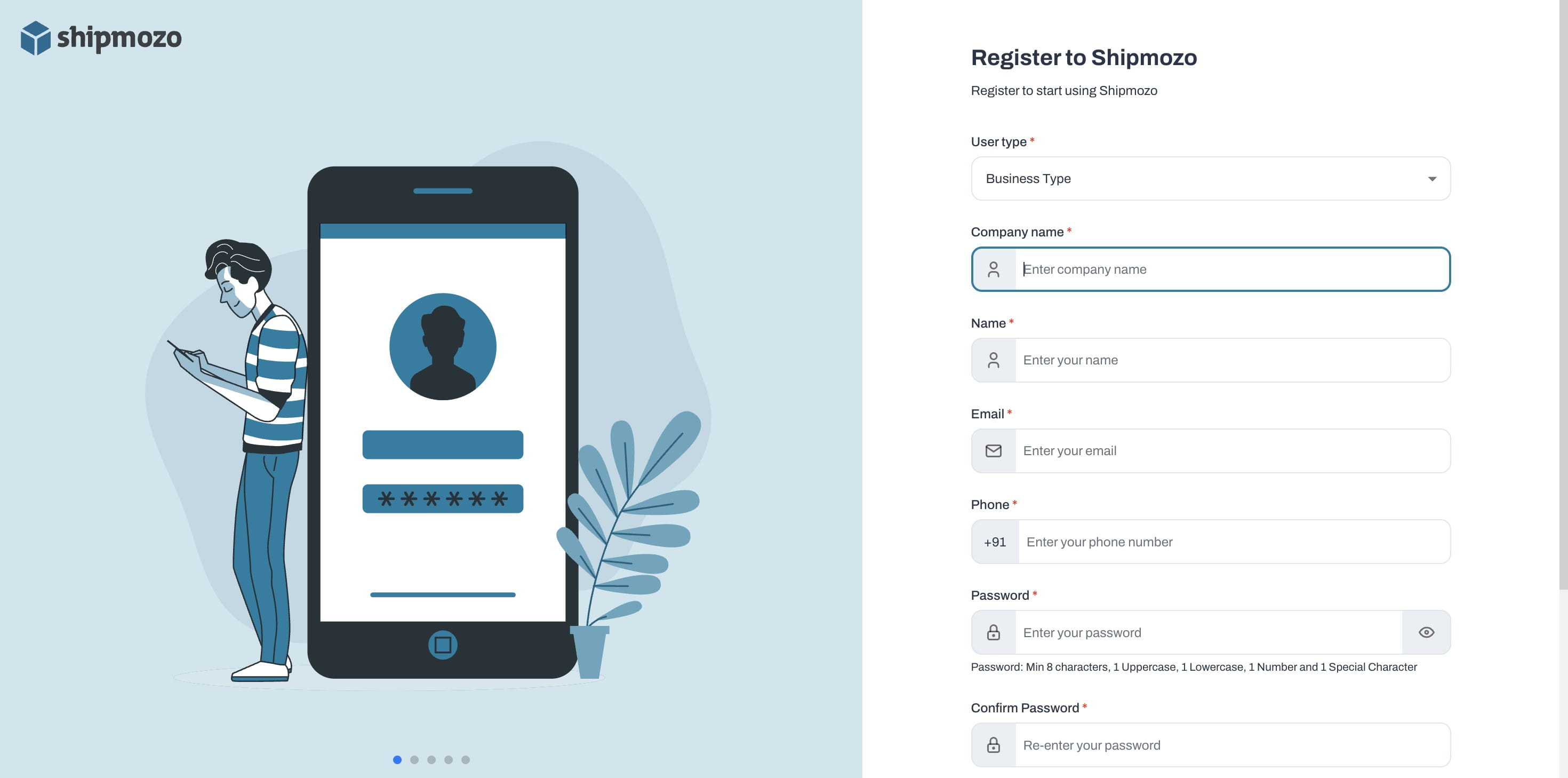
Click on "Verify"
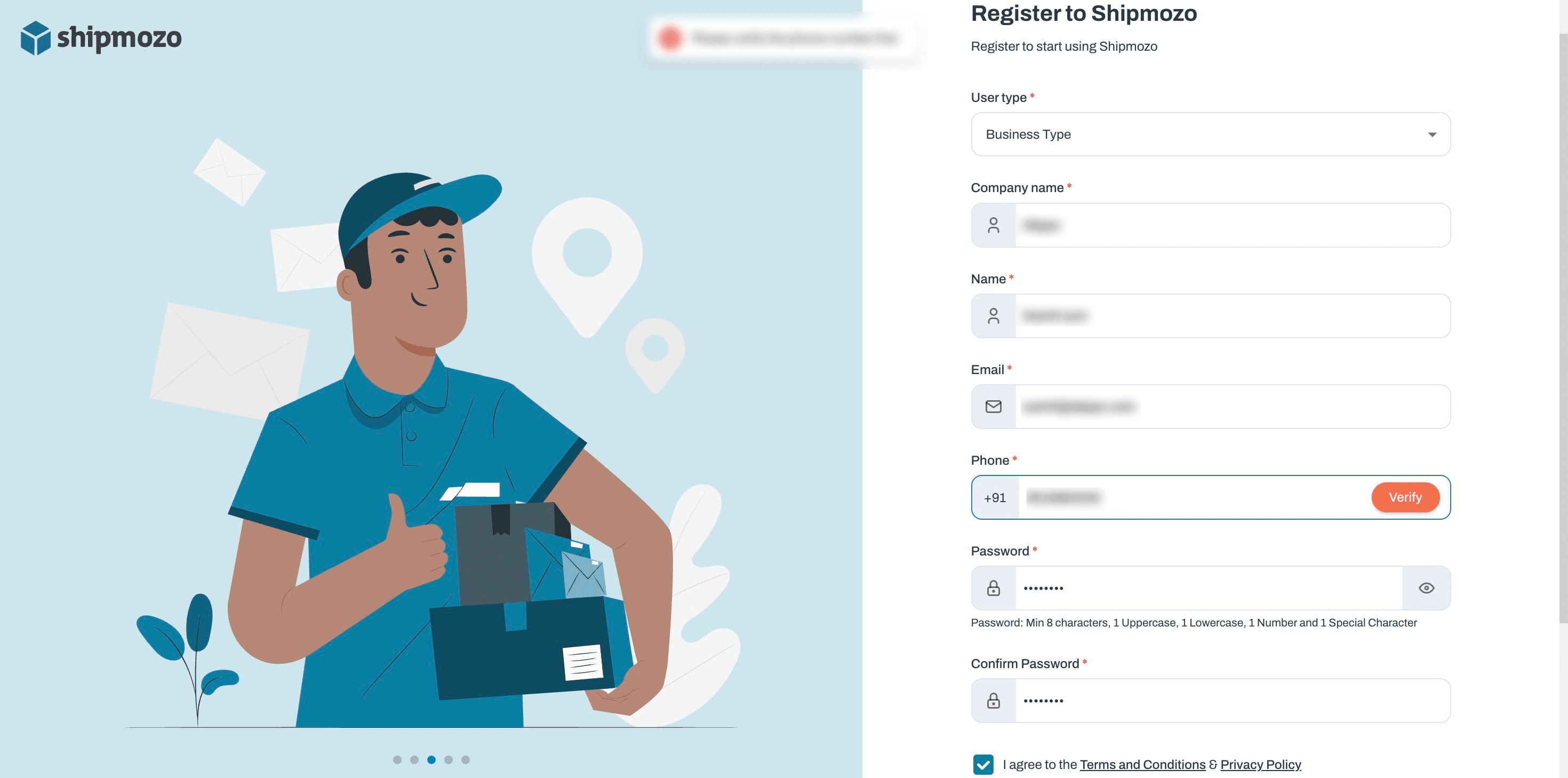
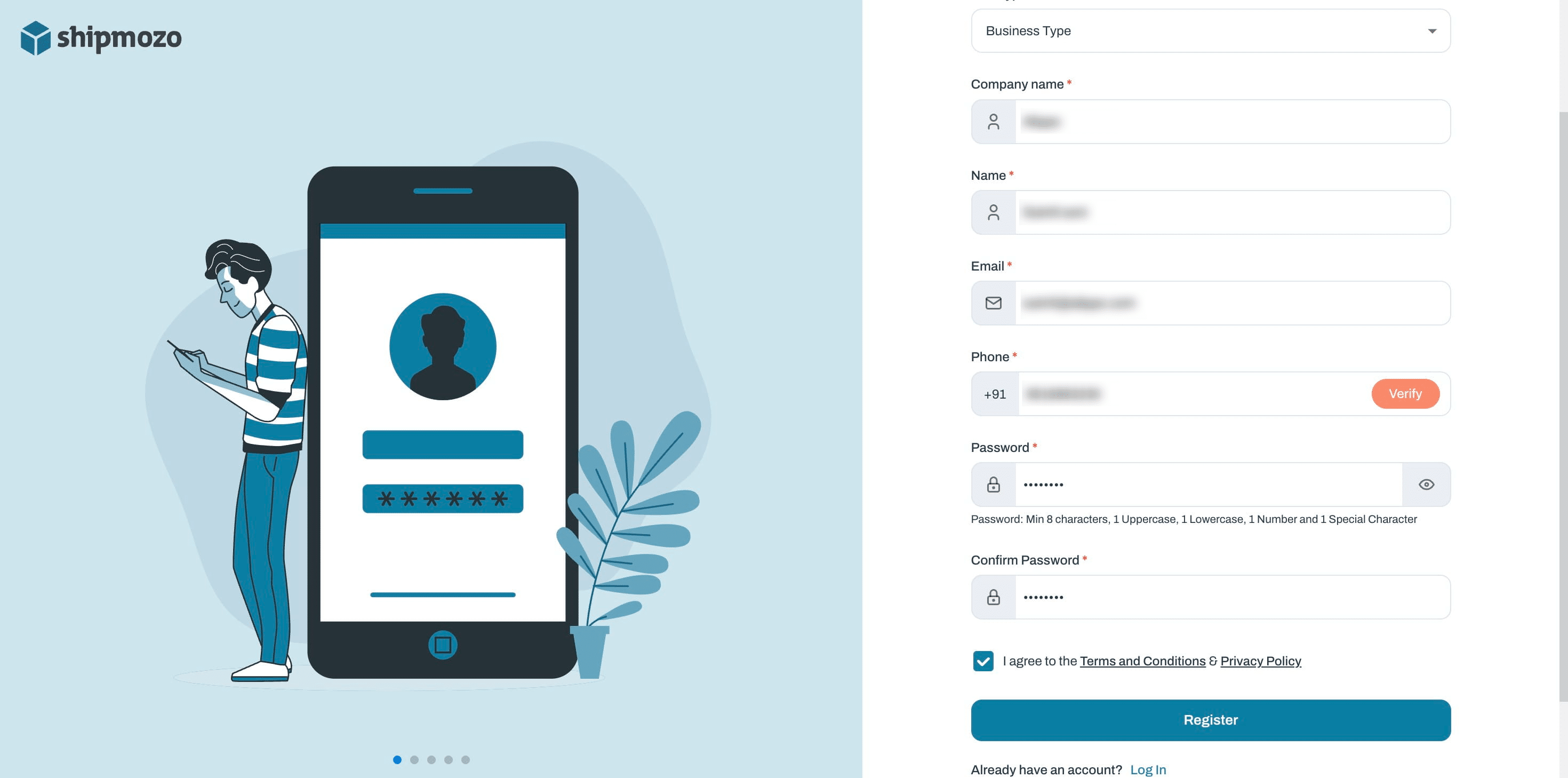
After verifying your phone number and entering your password, click on the agreement, and then click Register.
- Access API Credentials
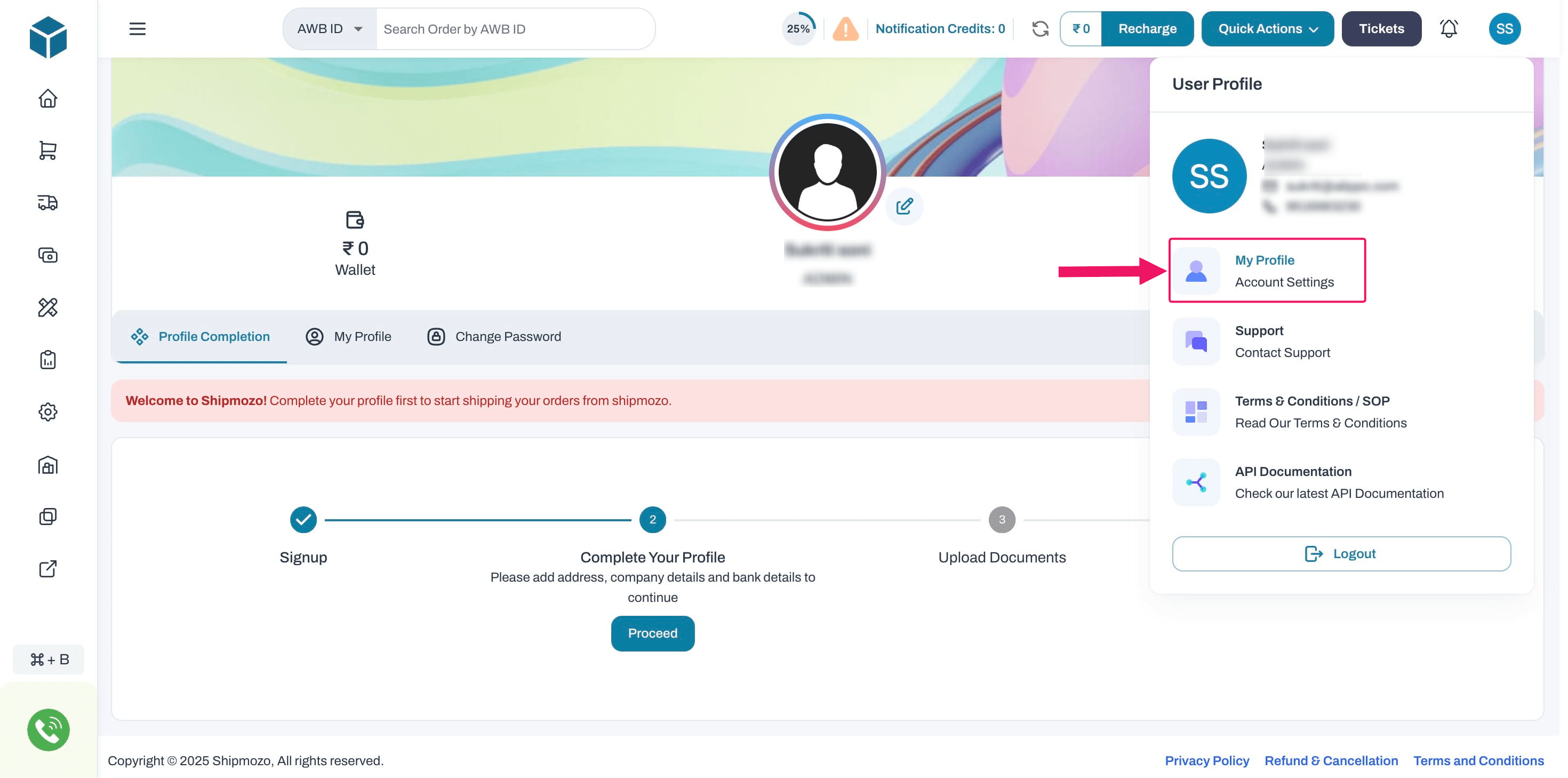
Click your profile icon on the top-right of the dashboard.
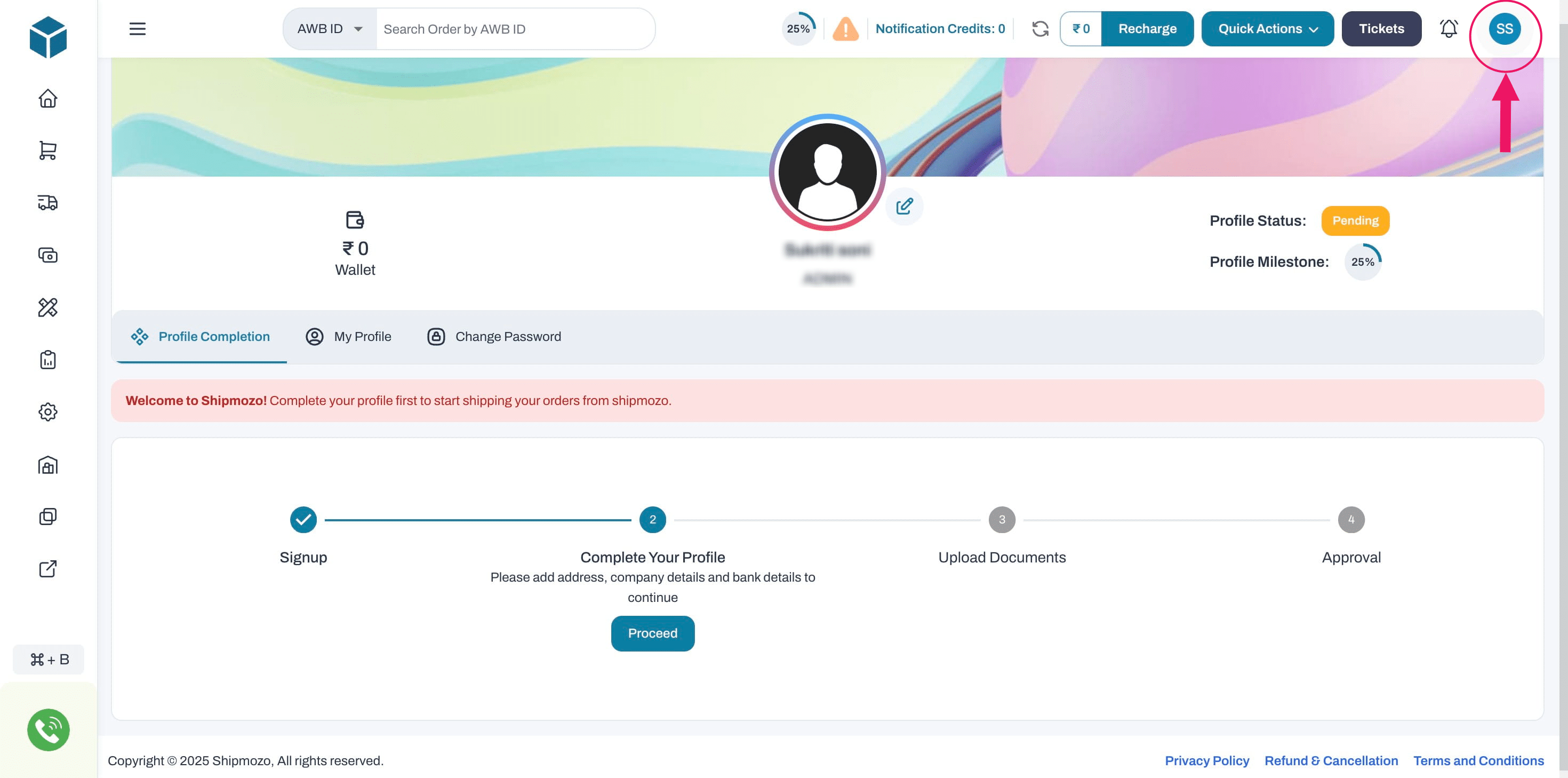
If you are already a registered user, log in with your credentials. Then, navigate to your **profile icon **and follow the same instructions provided.
Select “Account Settings”
Scroll to API Credentials
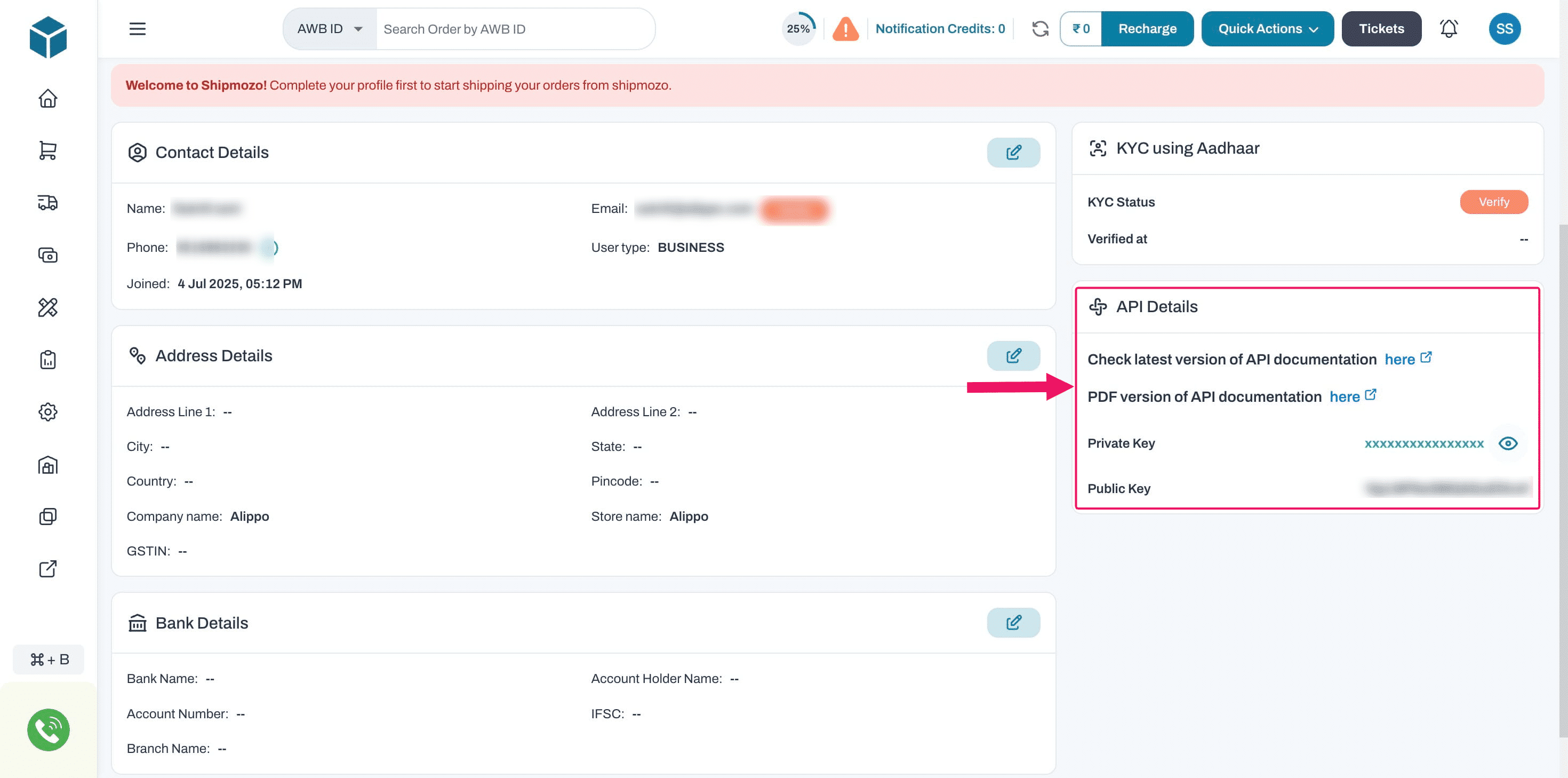
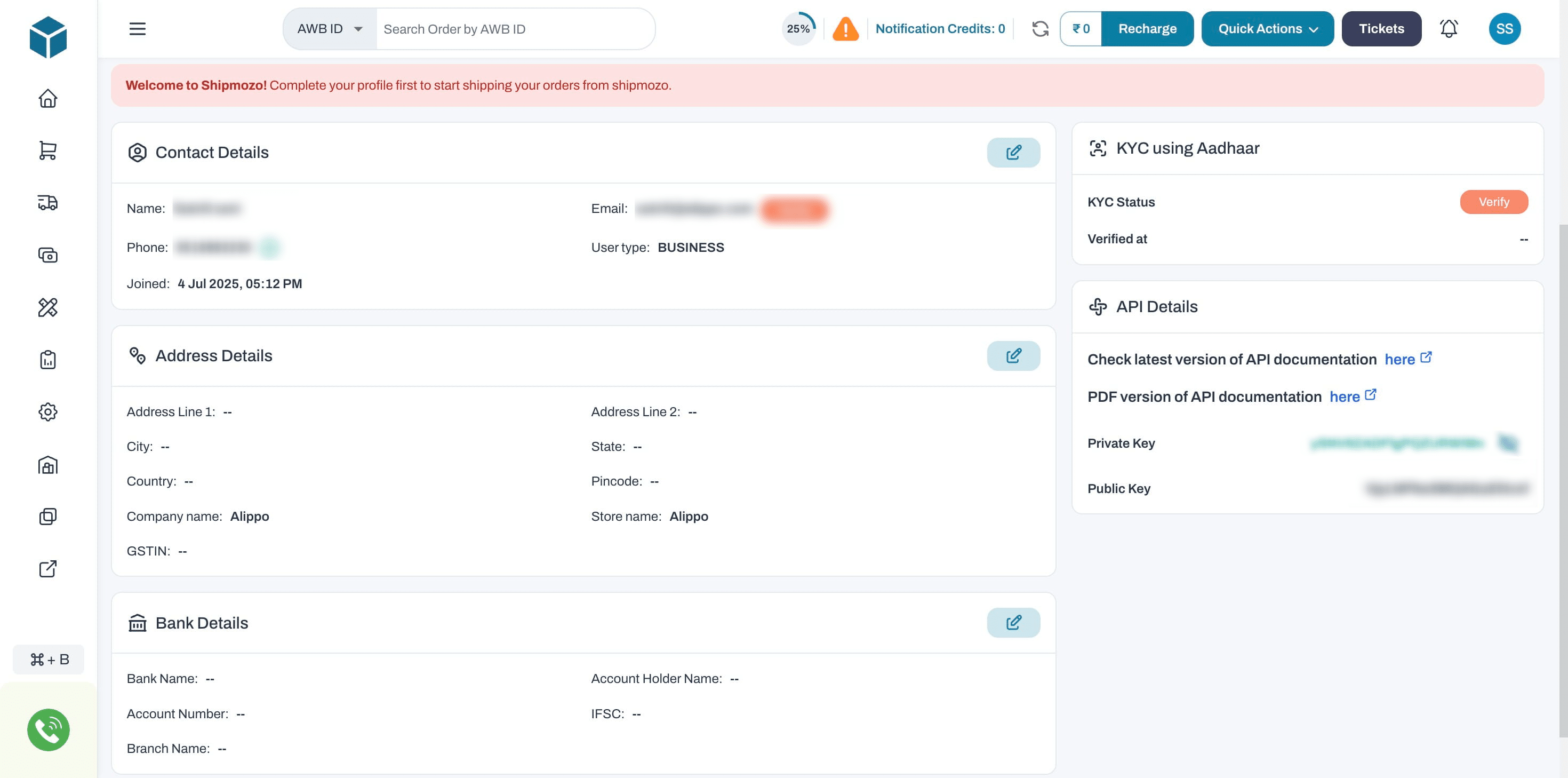
Click "Copy" next to "Private Key" and "Public Key".
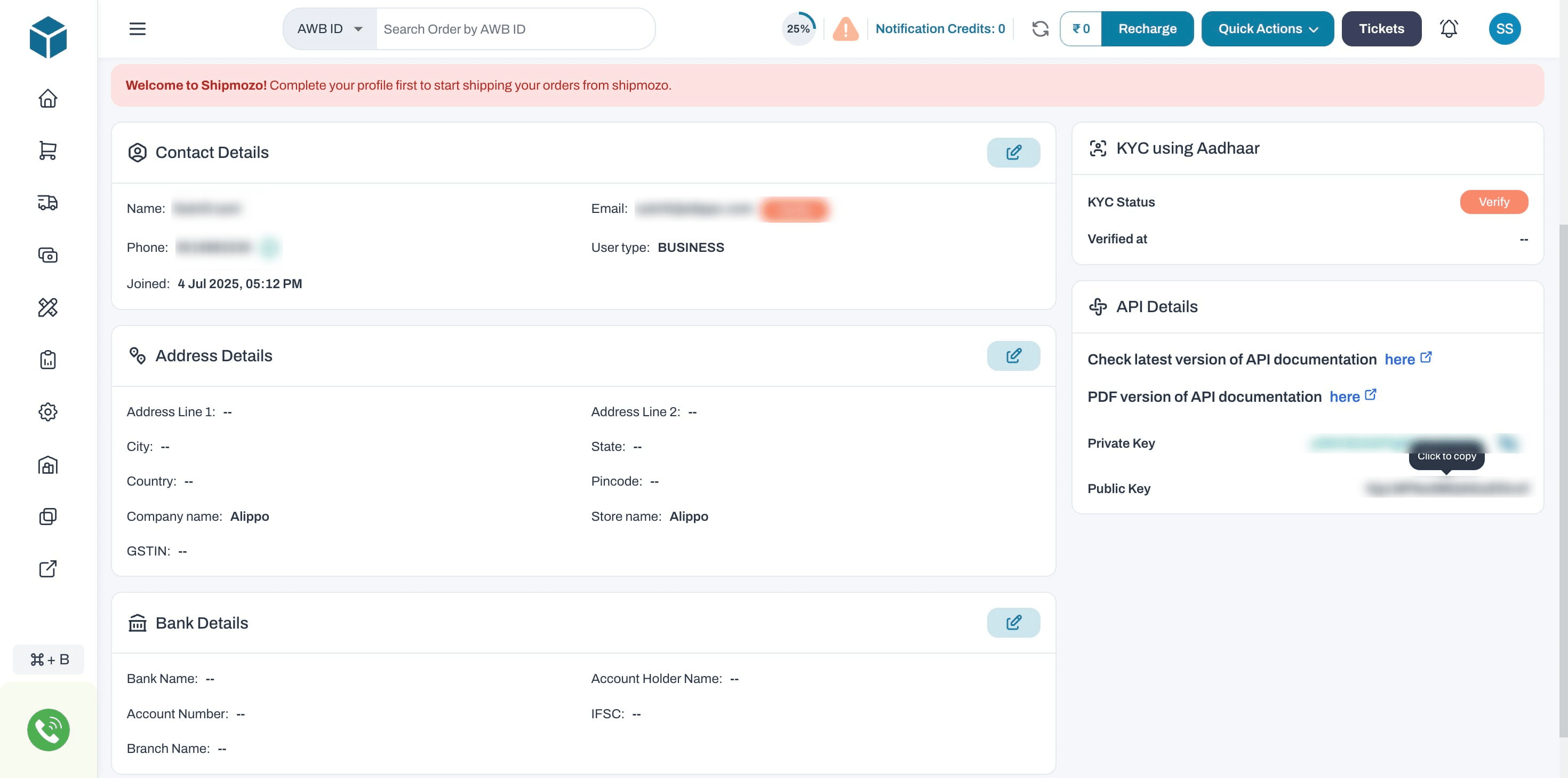
Private Key: A secret authentication token is used for secure backend operations and server-to-server API calls.
Public Key: A safe-to-share token used for frontend tasks like rate calculation or service availability.
These keys are used for authentication when connecting SHIPMOZO to external systems
Done 🚀 Share both Private Keys & Public Keys with Prince (Prince@alippo.com)
Frequently Asked Questions
- Question : How do I register on SHIPMOZO?
Answer: Go to https://www.shipmozo.com, click “Login/Register”, then “Create an Account”. Fill in user and business details, verify via OTP or email, and you're in!
- Question : Where can I find my API keys?
Answer: Login to your SHIPMOZO account → Click on your profile icon → Account Settings → Scroll to “API Credentials” section → Copy your Private and Public keys.
- Question : What is the difference between Private and Public keys?
Answer : Private Key: Used for secure, server-side API calls. Public Key: Used for client-side operations, such as rate calculation. 🔐 Never expose your Private Key publicly.
- Question : Can I use SHIPMOZO without a GST number?
Answer: Yes, individual sellers or small businesses can register without a GST number. However, having a GST helps with invoicing and compliance when shipping commercial goods.
- Question : How do I schedule a pickup with SHIPMOZO?
Answer: Once logged in, go to the “Orders” or “Dashboard” section, click on “Create Shipment”, fill in the parcel and address details, select your courier, and confirm to schedule the pickup.
- Quesion : How do I integrate SHIPMOZO with my website?
Answer: Use your Public and Private API Keys found in “Account Settings” to integrate SHIPMOZO with Alippo